
Two days ago, I showed you how to make a Windows 10 command prompt window transparent. Now I’ll show you how to make the Terminal window transparent in Mac OS X. 1. Open Terminal. 2. Click Preferences in the Terminal menu. 3. Click Profiles. 4. Click the + button on the bottom left to create…
Read On…
Archive for the ‘IT How To’ Category
How To: Transparent Command Prompt In Windows 10
Say you have limited screen real estate, and you would prefer not to toggle between a command prompt and (for example) a browser tab. Maybe you are referencing command line instructions on a website and you would simply like to stay in the command prompt window and have it overlay the website. This can be…
Read On…
Finally, Apple Brings Mute and Pin Tabs To Safari
My browser of choice is Google Chrome. I like the cross-platform uniformity since I work on both Windows and Mac. However, Chrome is not exactly known to be miserly when it comes to battery consumption. So, a while back I experimented with using Safari instead of Chrome on my MacBook Air, and it did seem…
Read On…
How To Create And Manage Password Settings Objects (PSO)

With Windows Server 2008, Microsoft introduced Fine-Grained Password policies which utilizes a new Active Directory object called Password Settings Object (PSO). These objects allow you to more easily create and assign password policies to subsets of users, albeit with a bit of an unpolished implementation method compared to the old method via group policy (GPO). If…
Read On…
Windows File Share Permissions – Allow: Read, Write, Delete – Deny: List

Let’s say you have an application that has a flat file repository for files attached to records. In other words, the application uses a simple Windows share for its file repository. And all users of this application need the ability to read, write, and delete files in this directory, but given the sensitive nature of…
Read On…
How To Stop McAfee Web Gateway Updates From Filling Your MPLS Link

This story begins with SevOne, our in-house network performance monitoring system. We have a policy configured in SevOne to alert us when a router serial interface is at or above 95%, meaning the Sprint MPLS WAN link for that location is nearly if not fully consumed. Obviously this is a bad thing as it severely…
Read On…
Mac: How To Display Photo Slideshow Using OS X Finder
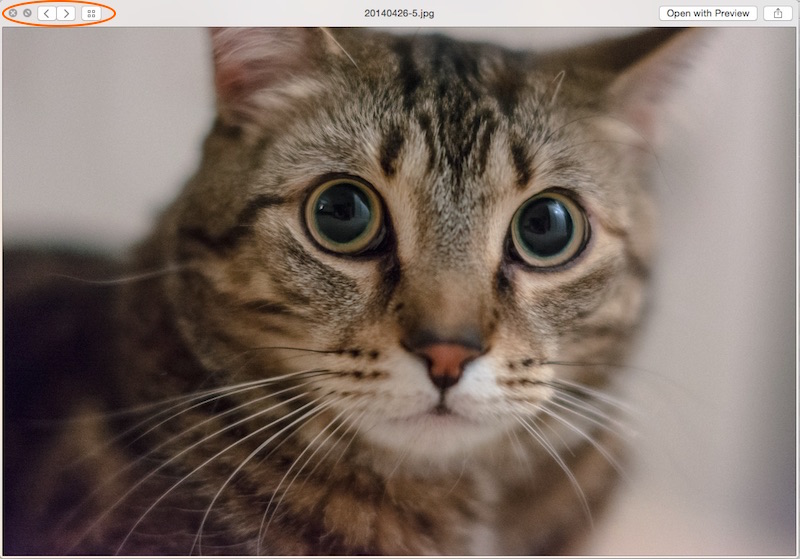
So, you just copied a few dozen photos of your son’s 8th birthday party to your MacBook, and now you want to have the family gather around to relive this jovial event. A photo slideshow would be best, but you don’t have iPhoto or any other photo apps installed. What to do? By using the Quick…
Read On…
Captain Obvious Log: Hide Remote Desktop Connection Bar

In this installment of Captain Obvious Log, we focus our attention on the Remote Desktop connection bar, a ubiquitous hallmark of every IT geek’s daily life. So, one would think every IT geek would know how to hide/display the connection bar depending on what is suitable for a given situation. Well, sometimes we can go…
Read On…